QR Code Ordering for Restaurants: How It Works and How to Set It Up
2All Team · · 2 min read
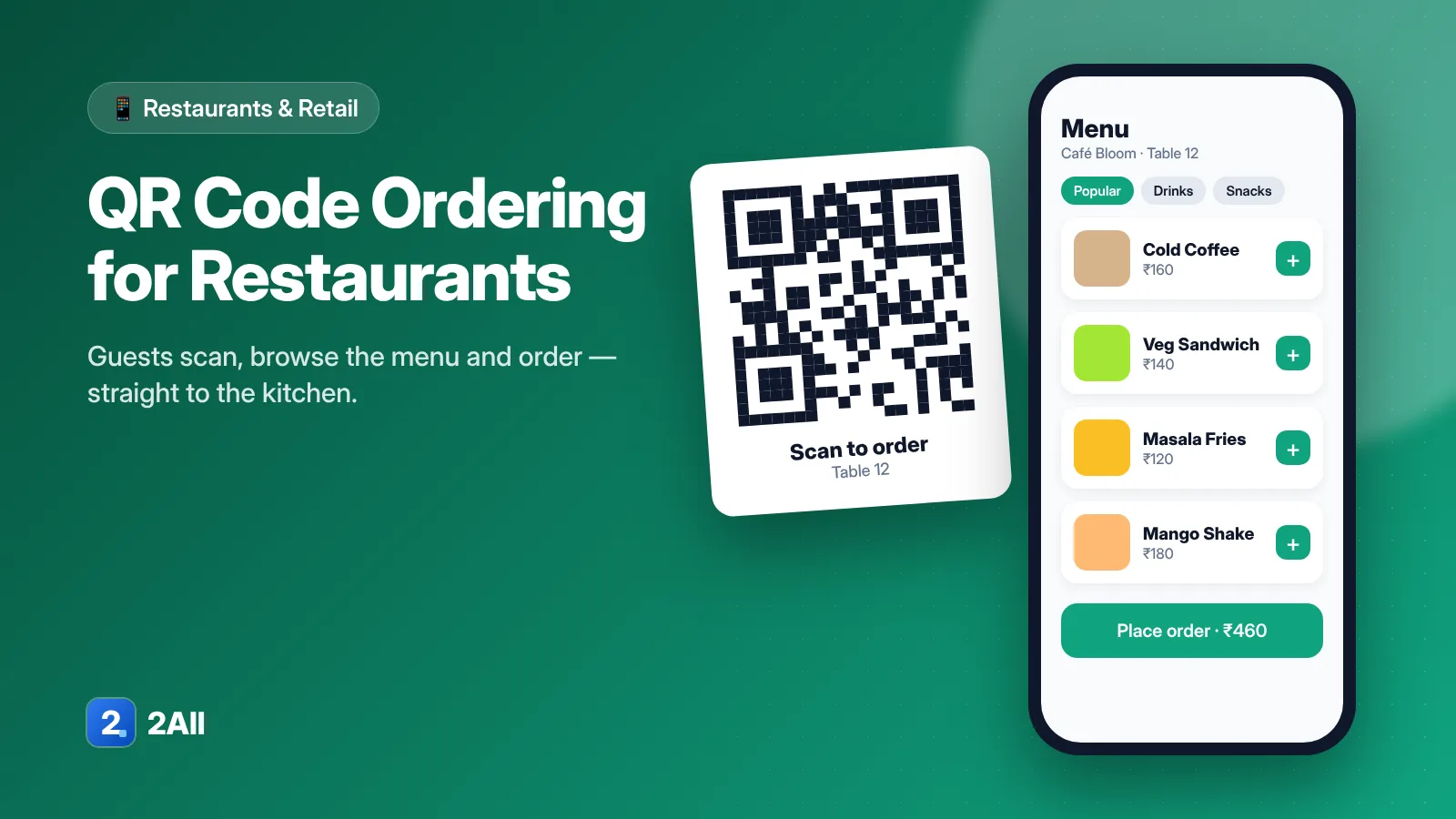
QR ordering puts your menu on the guest's phone. They scan a code on the table, browse dishes with photos, place an order, and the order reaches your kitchen — no waiting to catch a server's eye. Done well, it speeds up service without making your restaurant feel impersonal.
How table QR ordering works
- Each table gets its own QR code, so every order is tagged with the table number.
- The guest scans it and sees your digital menu — categories, prices, photos, veg/non-veg markers and add-ons.
- They add items and place the order. Depending on your setup, they can pay now or at the end.
- The order appears in your POS and prints (or displays) as a KOT in the kitchen.
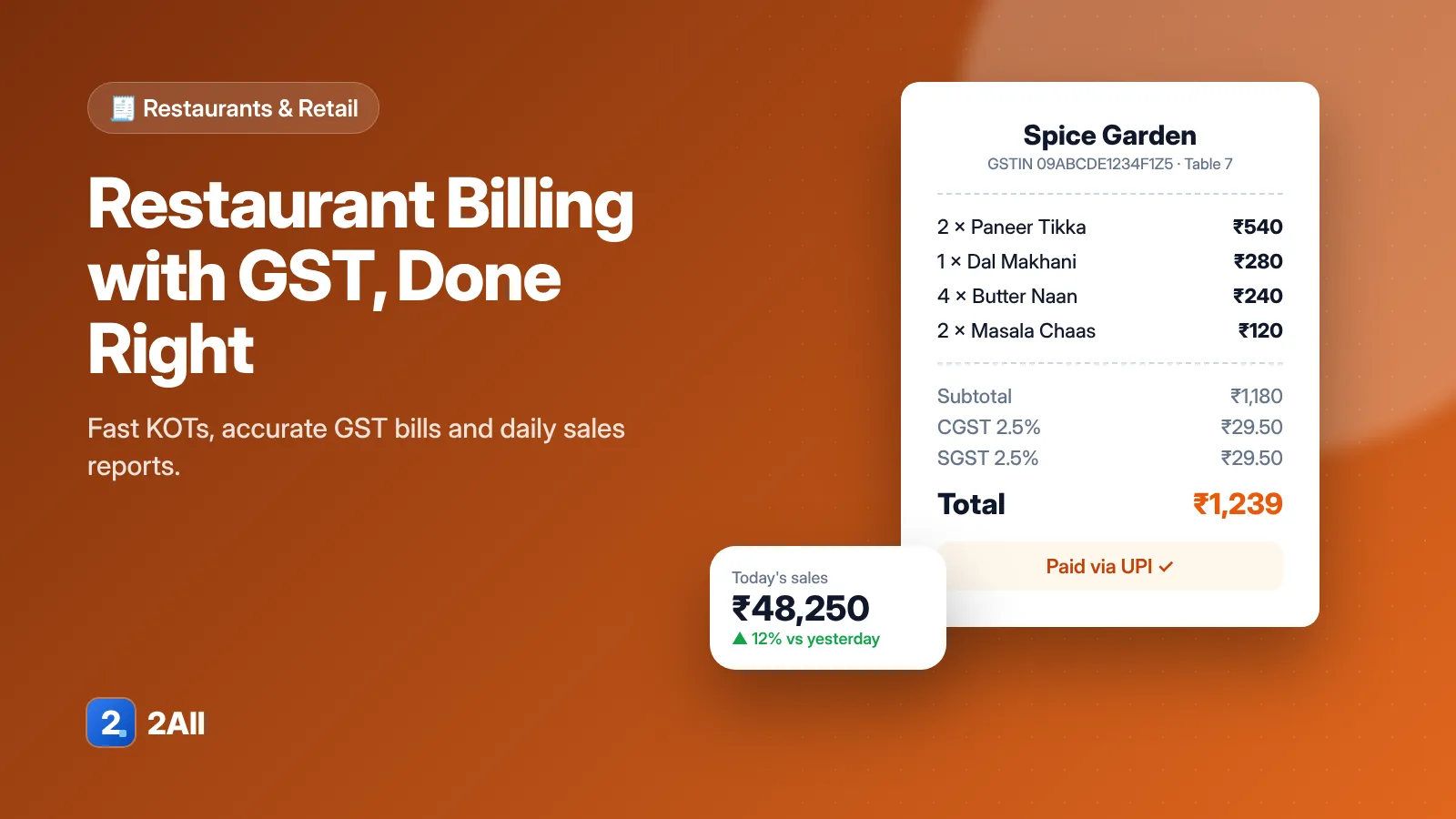
- Staff serve, and the bill for the table is already built when the guest asks for it.
Where it helps most
- Busy hours — guests don't wait for a server to take the first order or a repeat round.
- Fewer order errors — the guest picks exactly what they want, including customisations.
- Higher average order — photos and suggested add-ons make it easy to add a dessert or drink.
- Menu changes in seconds — mark an item out of stock or change a price without reprinting menus.
It's less useful in very small cafés where the owner knows every guest, or for guests who prefer to be served — so keep the option to order with a server.
Rolling it out
Connect it to your billing. QR orders should land in the same place as counter and server orders. If they don't, staff end up re-typing orders — the errors you were trying to avoid come back.
Design the menu for phones. Short names, clear prices, a few good photos, and categories in the order guests think: starters, mains, breads, desserts, drinks.
Decide on payment. Pay-at-the-end suits dine-in restaurants; pay-first suits food courts and quick-service outlets.
Train your team. Staff should know how to help a guest scan, how QR orders appear on the KOT, and how to add items a guest asks for verbally.
Put up clear table cards. "Scan to see the menu and order" with your logo and the table number is enough.
What to look for in a QR ordering system
- Orders go straight to your POS and kitchen (KOT or kitchen display).
- Table-wise bills with split and merge.
- Easy menu management with stock on/off.
- GST-ready billing on the same system.
- Reports that show what sells, by hour and by table.
Restaurant2All combines QR table ordering, digital menu, KOT and GST billing in one system, so every order — from the table, counter or server — ends up on the same bill.
Getting started
Start with a few tables during a quiet period, fix what confuses guests, then roll out across the floor. If you'd like to see it with your own menu, request a demo.