Restaurant Billing Software for India: What to Look For (Including GST)
2All Team · · 2 min read
Billing software is the system your restaurant runs on every service. It decides how fast a table is billed, whether the kitchen gets the right order, and whether your GST figures are right at the end of the month. Here's what to check before you choose.
1. Speed at the counter
A busy evening exposes slow software immediately. Look for:
- Item search by name or short code, and favourites for best sellers.
- One-tap modifiers (extra cheese, less spicy) and combos.
- Quick payment with split by cash, card and UPI.
- Working offline, or at least handling a patchy connection gracefully.
2. Correct GST billing
Indian restaurant billing has specific GST rules. Your software should:
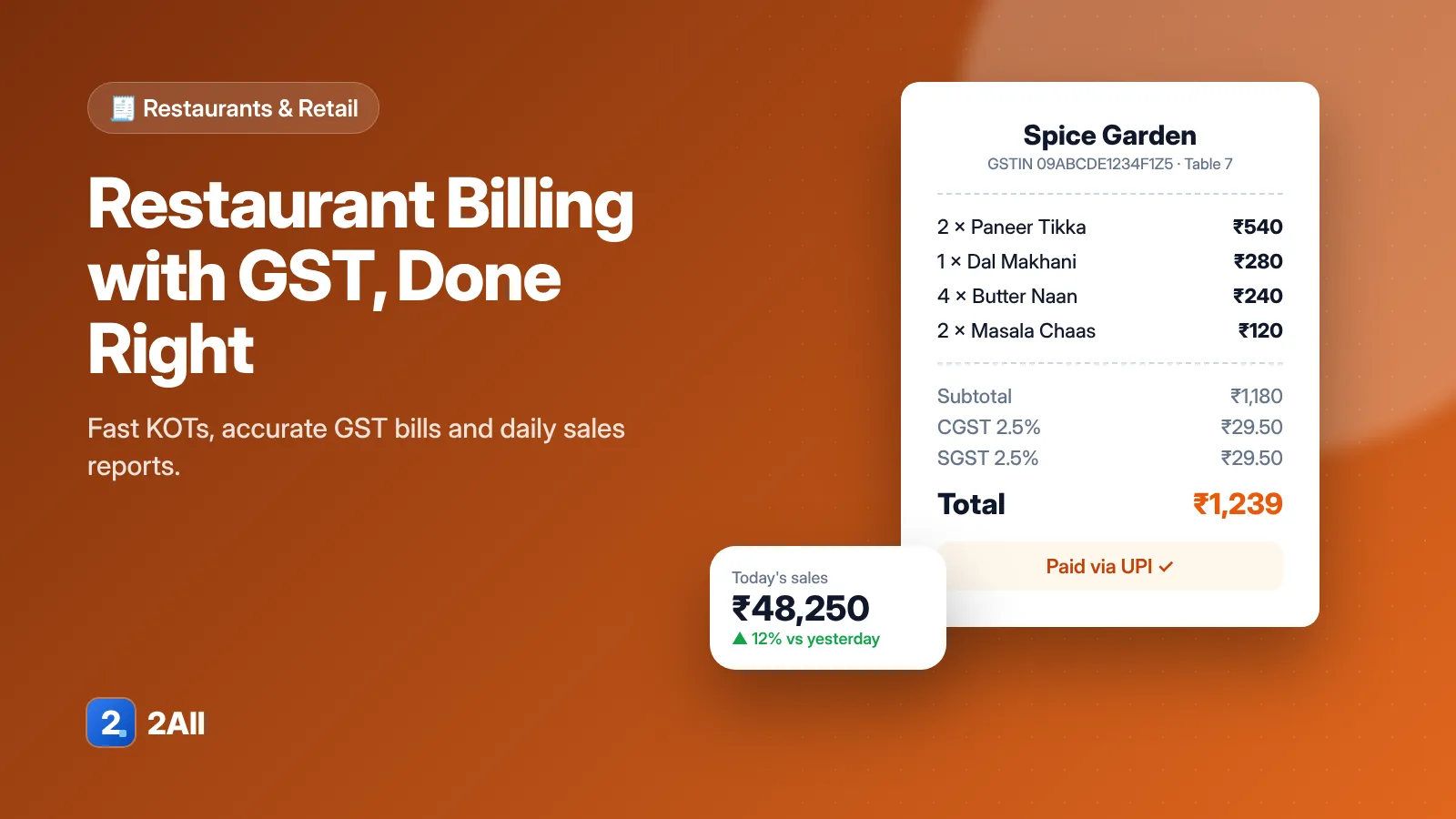
- Print GST-compliant invoices with GSTIN, HSN/SAC, tax rates and totals.
- Handle the GST rate that applies to your outlet type, and let you set item-level exceptions.
- Calculate tax on discounted amounts correctly and round consistently.
- Export sales and tax summaries for your accountant.
GST rules for restaurants have changed over the years and depend on your situation, so confirm your rates with your CA — then make sure the software lets you configure them rather than hard-coding one rate.
3. Kitchen workflow (KOT)
Orders should reach the kitchen the moment they're taken, as a KOT (kitchen order ticket) — printed or on a kitchen display — grouped by station if you have separate counters. Track what's preparing, ready and served, so nothing waits under the heat lamp.
4. Tables, takeaway and delivery
- A table view showing occupied, ordered and billed tables.
- Move, merge and split tables and bills.
- Takeaway and delivery orders in the same system, so reports cover everything.
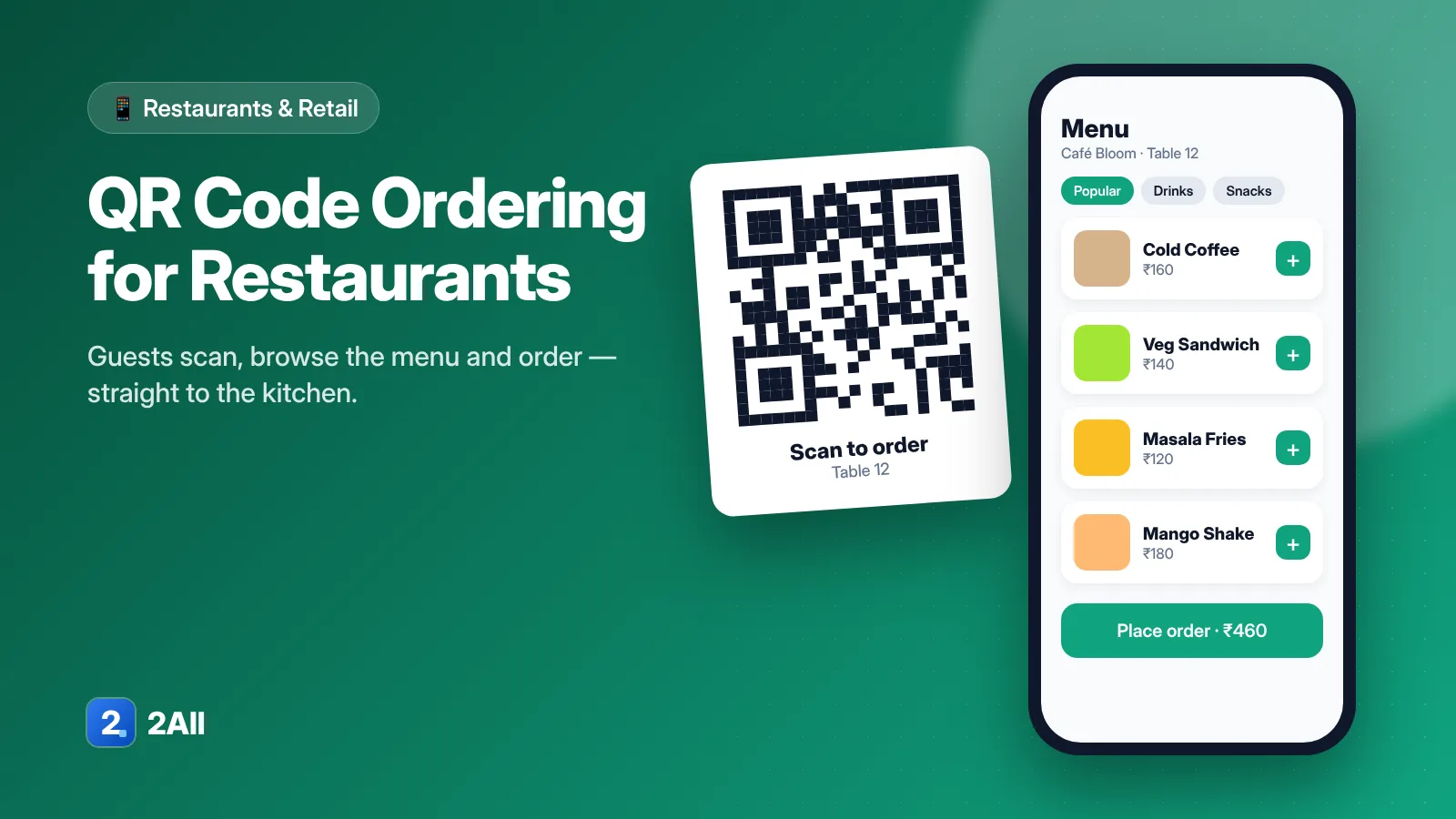
- QR table ordering if you want guests to order from their phones.
5. Discounts and customers
Controlled discounts (by role or approval), happy-hour pricing, and a customer list with phone numbers and order history for loyalty offers.
6. Staff, inventory and reports
- Role-based access so cashiers can't change prices or delete bills.
- Basic inventory: stock for key items and alerts before you run out.
- Reports that answer real questions: sales by hour, best and worst sellers, discounts given, payment modes.
7. Multiple outlets
If you have — or plan — more than one outlet, check that menus, prices and reports can be managed centrally with per-outlet differences.
A shortlist checklist
| Area | Must have |
|---|---|
| Billing | Fast search, modifiers, split payments |
| GST | Compliant invoices, configurable rates, tax reports |
| Kitchen | Instant KOT, station routing |
| Floor | Table view, move/merge/split |
| Control | Roles, discount limits, audit of deleted bills |
| Reports | Daily sales, item performance, payment modes |
Restaurant2All covers billing, GST, QR ordering, KOT, tables and reports in one system. See the plans or book a demo with your own menu.